Instant play
Every game runs right in your browser. Nothing to download or install, and no account to make.
SeifGames collects hundreds of games, from quick browser classics to full PC games rebuilt for the web, and puts them in one place. Pick something and press start.
Every game runs right in your browser. Nothing to download or install, and no account to make.
Saves, favorites and recently played games are stored in your own browser, on your own device.
Alongside the classics there are full computer games, ported by the community to run on the web.
Browse the library, pick a category, or press / and start typing a name.
Open the game and hit the big play button. Use fullscreen for the best experience.
Tap the heart to favorite a game. It shows up on the home page next time.
Some PC ports are big (hundreds of MB), so give them a minute on the first load. A computer with a keyboard works best for most games, and a few support controllers too.
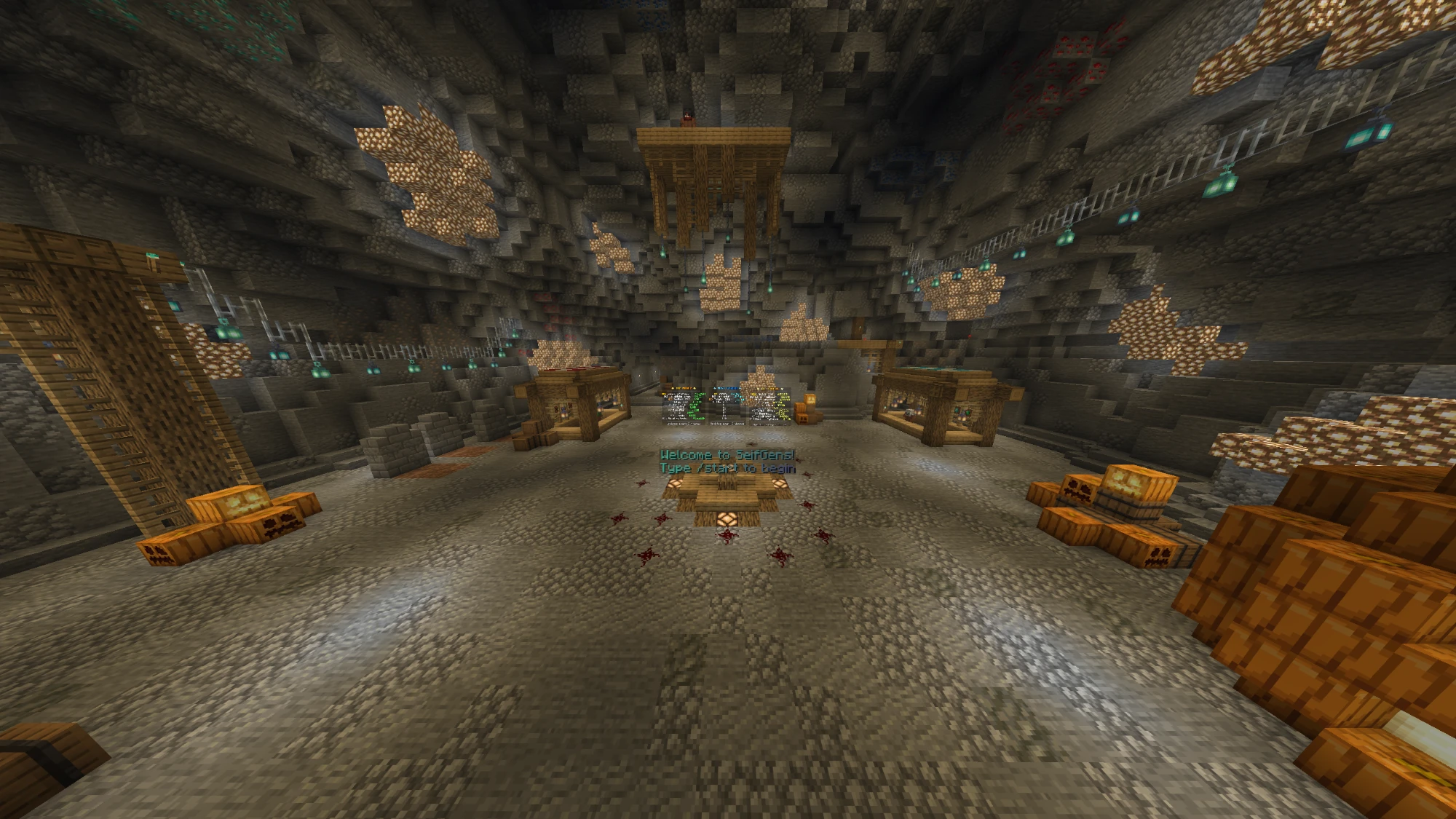
SeifGames is sponsored by SeifGens, a Minecraft server. Join with the IP below, then type /start to begin.
Give big games a little longer first. If it's still stuck, press Restart on the game page or open it in a new tab. The Not working? button under every game lists fixes for that game and your device, and can send us a report so we can look at it. Some games need a modern browser like Chrome, Edge or Firefox, and a few need more memory than older or low-end devices have.
Most 3D games (and many others) need graphics acceleration, called WebGL. Chromebooks sometimes turn it off, for example after the graphics chip had a problem, until you restart. Check Chrome's Settings → System → Use graphics acceleration when available, then restart the Chromebook. Big PC ports also need a lot of memory: close other tabs, and use the Low res button under the game to make it run much faster.
No. There are no accounts and no sign-ups. Favorites and progress are stored in your browser.
In your browser's local storage on this device. If you clear your browsing data or switch to another device or browser, you'll start fresh.
These are full games, so the browser has to download all of their files before they can run. That can be hundreds of megabytes. Your browser usually caches the files, so the next launch is much quicker.
Open Minecraft, go to Multiplayer, add a server with the address seifgens.minehut.gg, and join. Once you're in, type /start to begin.
The site works on phones and tablets, but many games are built for a keyboard and mouse. Simple arcade, puzzle and idle games tend to work best on touch screens.
The PC ports on SeifGames were made by talented people in the web-porting community. Huge thanks to everyone below. Click a name to see their work on GitHub.